Small Landlord Rent Tracking Spreadsheet: What to Track and How
General information, not legal or tax advice. Landlord-tenant law (late fees, grace periods, deposits, notices) varies by state and city, and tax rules have details and exceptions. Check your local laws and IRS guidance, or ask a qualified professional, before acting on anything here.
If you own a duplex, a couple of single-family rentals or a small building, you may not need property-management software. You do need to know who has paid, when leases end, what each unit cost to run and what it earned. A well-organised spreadsheet handles all of that. This guide covers the tabs to set up, the columns that matter and a few formulas that do the checking for you.
Tab 1: Properties and units
One row per unit: address, unit number, bedrooms, current monthly rent and current tenant (or "Vacant"). This is the list everything else refers to, so use the same unit names everywhere. A dropdown pulling from this list keeps other tabs consistent.
Tab 2: Tenants and leases
One row per lease, not per tenant, so you keep a history when tenants change. Useful columns:
- Unit, tenant names, phone and email
- Lease start and end dates
- Monthly rent, due day and grace period (follow your lease and local law)
- Security deposit held, and where it's held if your state has rules about that
Add a "days until lease ends" column (=EndDate − TODAY()) and highlight anything under 60 days. Renewal conversations go better when they're not last-minute, and some areas require advance notice for changes, so check yours.
Tab 3: The rent log
This is the heart of rent tracking. One row per unit per month:
| Column | What goes in it |
|---|---|
| Month | The rent period, e.g. 2026-11 |
| Unit | From your unit list |
| Rent due | Pulled from the lease (or typed) |
| Due date | The due day in that month |
| Amount paid | Total received for that month |
| Date paid | When it arrived (the last payment if split) |
| Method | Bank transfer, check, app, cash |
| Balance | Rent due − Amount paid |
| Status | Calculated (see below) |
A status formula that flags problems
Let the spreadsheet decide the status so nothing slips through. With rent due in C, due date in D, amount paid in E, date paid in F and a grace period (in days) in a cell named Grace:
=IF(E2=0, IF(TODAY()>D2+Grace, "Unpaid", "Not yet due"), IF(E2<C2, "Partial", IF(E2>C2, "Overpaid", IF(F2>D2+Grace, "Paid late", "Paid"))))
Then use conditional formatting to colour "Unpaid" and "Partial" red and "Paid late" amber. One glance at the month tells you who to follow up with. Any late fee you charge should be set by your lease and allowed under your local law.
Keep a record of every payment, including partial ones and the method. If there's ever a dispute, clear records help.
Tab 4: Expenses, sorted by Schedule E category
In the US, individual landlords generally report rental income and expenses on Schedule E (Form 1040). Tagging each expense with a Schedule E category as you go means your year-end totals are ready without re-sorting a shoebox of receipts. The expense lines on the 2025 Schedule E are:
- Advertising
- Auto and travel
- Cleaning and maintenance
- Commissions
- Insurance
- Legal and other professional fees
- Management fees
- Mortgage interest paid to banks, etc.
- Other interest
- Repairs
- Supplies
- Taxes
- Utilities
- Depreciation expense or depletion
- Other
For each expense record the date, unit (or "Shared" for costs that cover the whole property), vendor, amount, category, payment method and whether you have the receipt. Shared costs may need to be split between units or between rental and personal use; IRS Publication 527 explains how.
Repairs vs improvements
The IRS treats these differently. Generally, repairs that keep the property in normal working condition can be deducted, while improvements that add value, extend the property's life or adapt it to a new use are recovered over time through depreciation. The line between the two isn't always obvious, so note what each job involved. Publication 527 has examples, and a tax professional can help with borderline cases.
Security deposits
According to IRS Publication 527, you generally don't include a security deposit in income when you receive it if you plan to return it at the end of the lease. If you keep some or all of it because the tenant didn't meet the lease terms, that amount is generally income in the year you keep it. A deposit that's meant to be used as the final month's rent is advance rent and is income when you receive it. Track deposits in their own column so they don't get mixed up with rent.
Tab 5: Maintenance log
Record each repair request: date reported, unit, issue, priority, who's handling it, cost and date completed. A "days open" column (=IF(Completed="", TODAY()−Reported, Completed−Reported)) shows what's been waiting too long. Over time, the log also shows which units or appliances need the most attention.
Tab 6: Annual summary
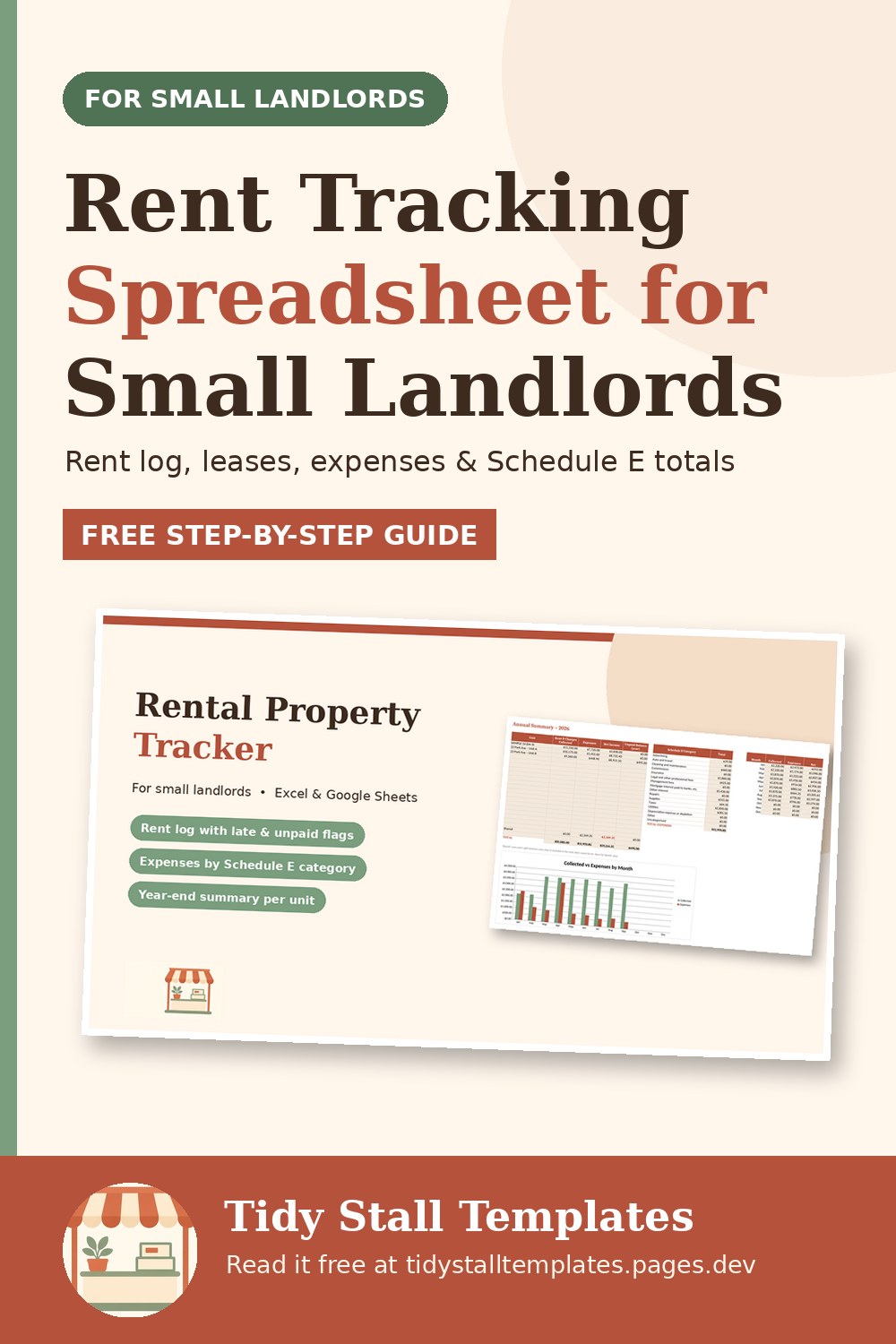
Use SUMIFS to build a summary per unit: rent collected, expenses, net income and any unpaid balance. Add a second table that totals expenses by Schedule E category for the year. A month-by-month table helps you spot seasonal patterns, such as higher utility costs in winter or vacancy periods.
A monthly routine
- Add a row per unit in the rent log at the start of the month.
- Record payments as they arrive; check the status column after the grace period.
- Enter expenses and file receipts (a photo in a dated folder works).
- Check the lease tab for upcoming end dates.
- Review open maintenance jobs.
Twenty minutes a month keeps the whole thing current, and tax time becomes a matter of handing over totals instead of rebuilding a year.
Sources
- IRS, Schedule E (Form 1040)
- IRS, Publication 527, Residential Rental Property
- IRS, Topic no. 414, Rental income and expenses